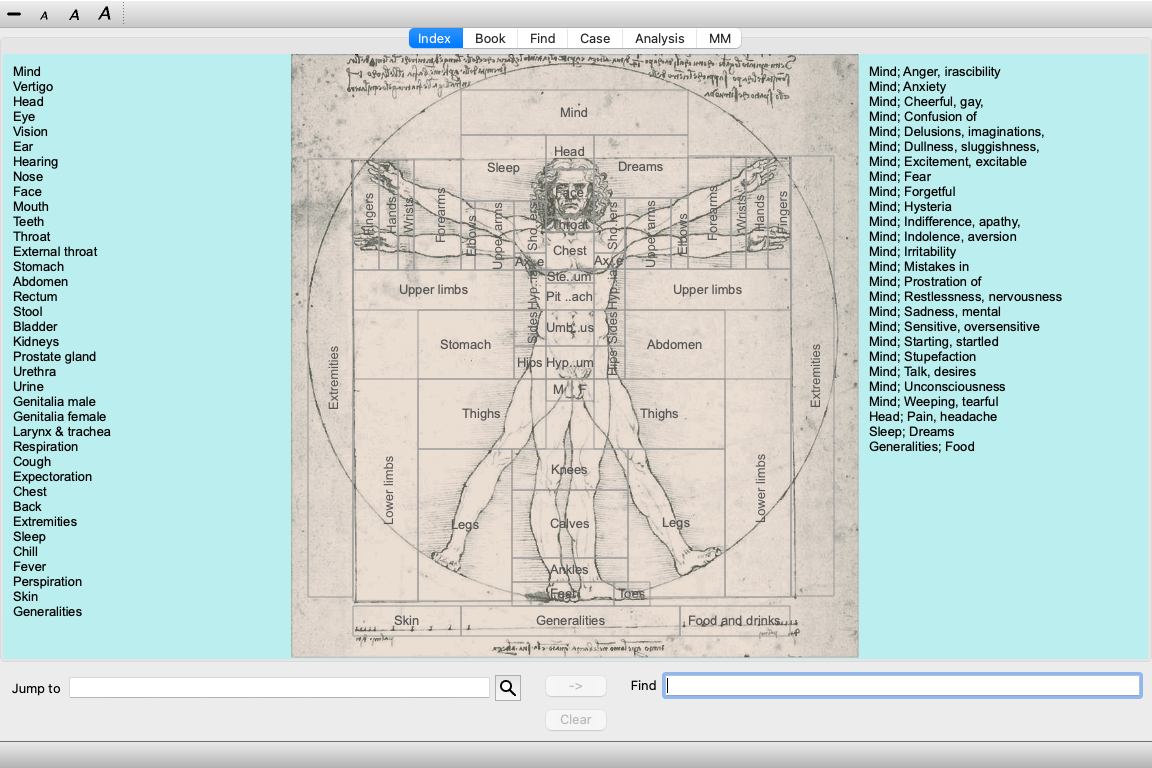
Go to the Index module by clicking on the Index tab. (Menu option View / Index, ⌘-I).
The index module provides quick access to the repertory's contents.
It is divided into three areas:
- the left side is an index of the repertory chapters,
- the middle part is a graphical index,
- the right side is a quick index of commonly used rubrics.
Move the mouse over the text or images. Where a selection can be made, the cursor changes into a hand  . Just click on an item to perform the action.